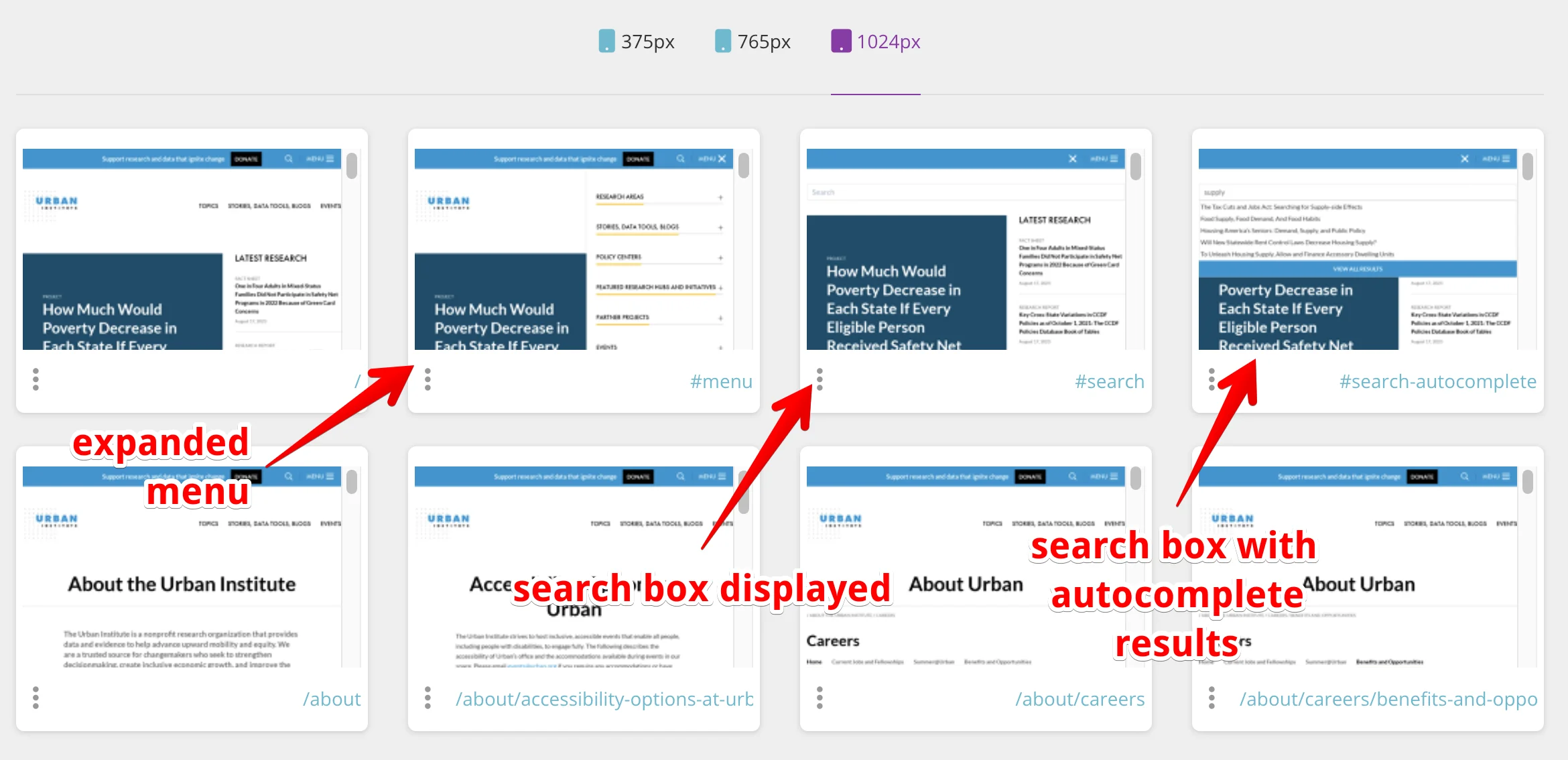
Recently we started running visual regression testing on https://urban.org and we wanted to take screenshots of the dropdown menu and search box, but they were implemented as components with shadowDOM.
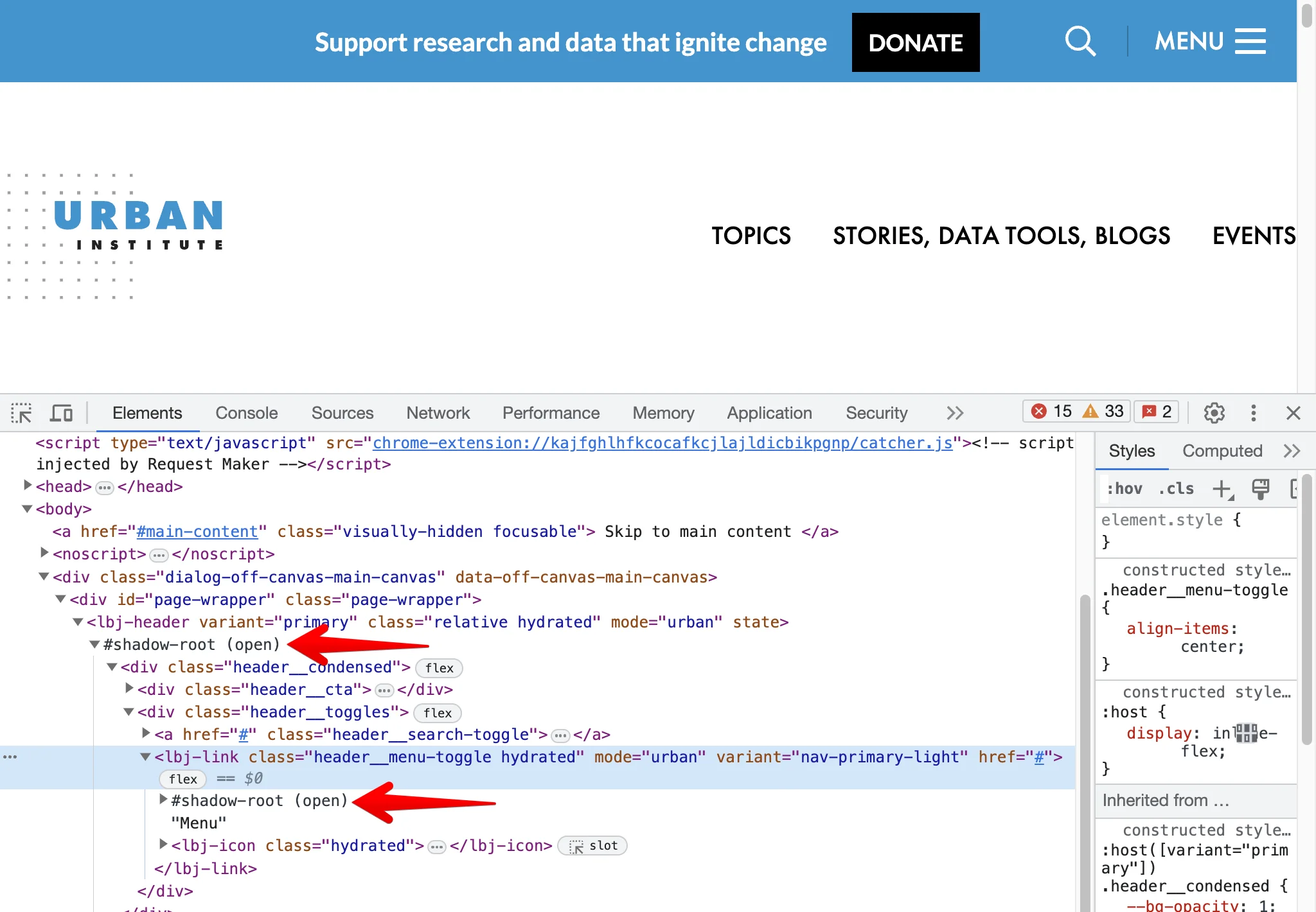
Thankfully there is a way to interact with elements in shadowDOM with jQuery.
if (window.location.hash == '#menu') {
  var header = jQuery('lbj-header')[0].shadowRoot;
  jQuery(header).find('.header__menu-toggle').click();
}
Besides opening menu it was also possible to test clicking on the search box and even showing the autocomplete dropdown in the search.