

Elementor is a very popular WordPress Website builder.
It has an extensive library of blocks (widgets) that you can use on your website.
Regarding visual regression testing, because of the dynamic nature of the widgets, it can sometimes be tricky to avoid false positives. Every time you take a screenshot, it looks slightly different: the slider can be in a different position, the animation can be in a different state, counters, and others.
We have set up a demo Elementor website for this article with some standard widgets. Go through a JavaScript that you can execute to freeze them.
Link to the site: https://hmuhvzvr.elementor.cloud/
Video and Map
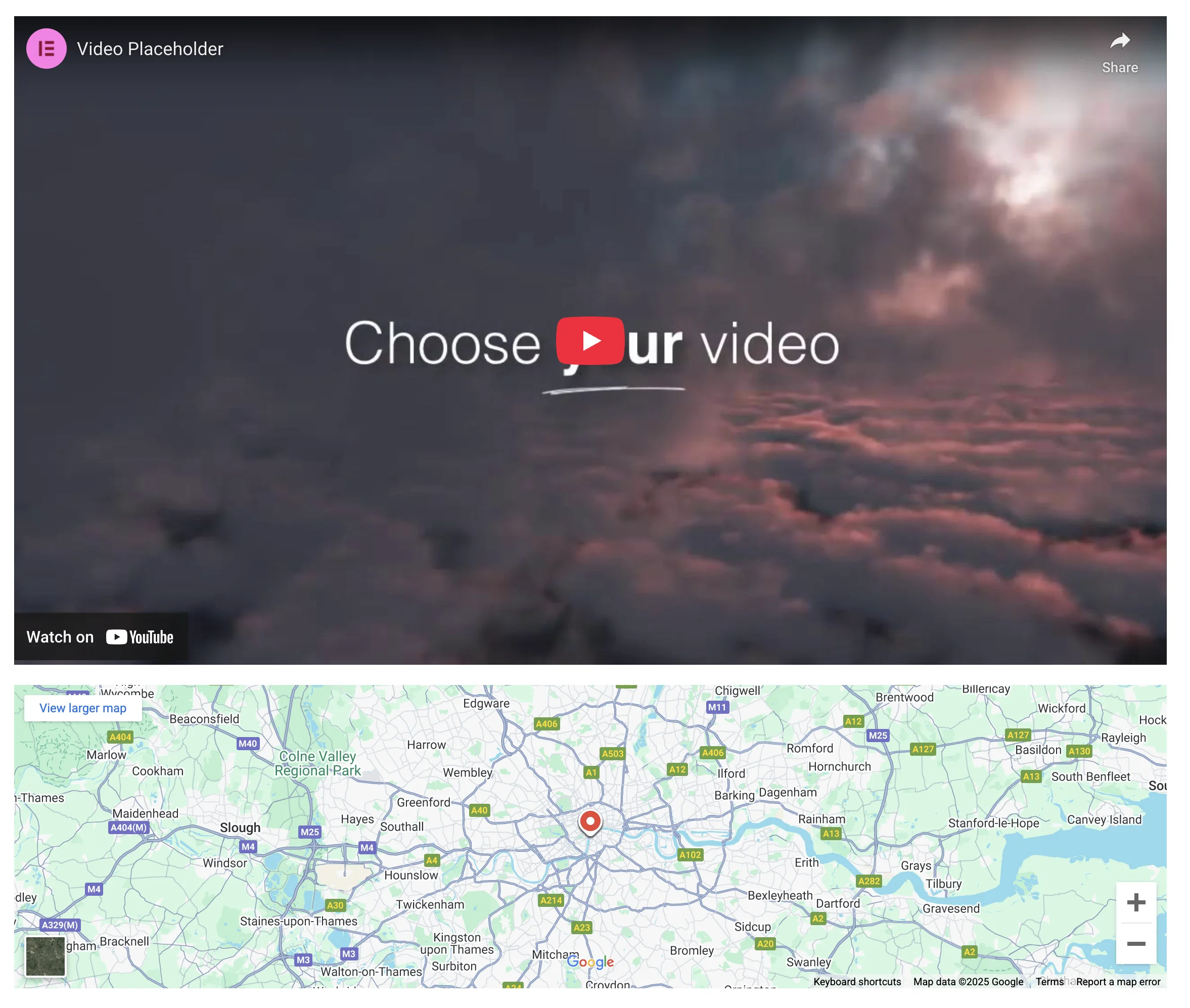
While these widgets are not that dynamic, taking screenshots from them can be tricky as they have random changes in the controls.
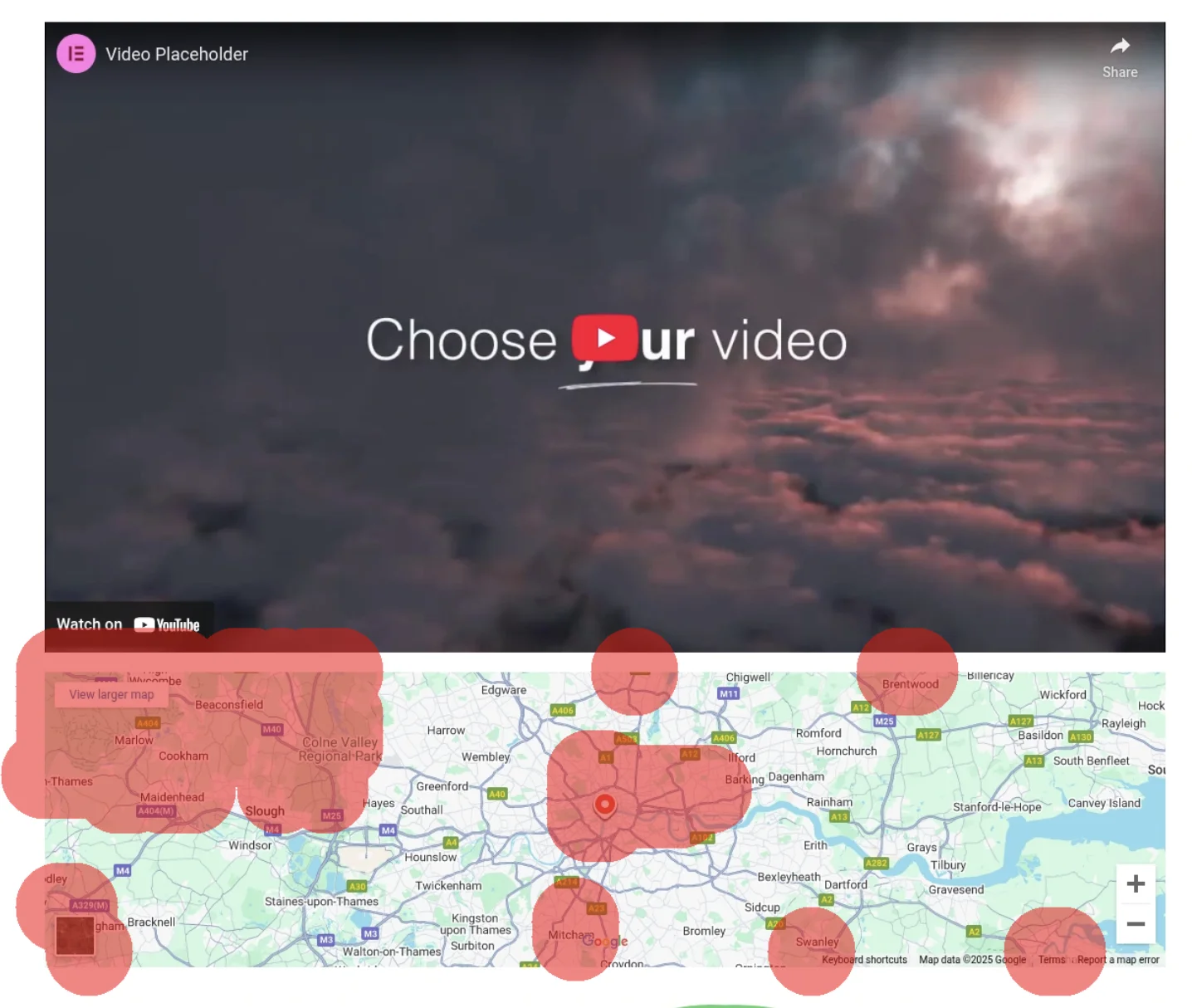
We recommend masking these elements. Diffy does this automatically. If you’d like to mask them with javascript manually
const iframes = document.querySelectorAll('iframe');

iframes.forEach((iframe) => {
   const overlay = document.createElement('div');

   overlay.style.position = 'absolute';
   overlay.style.background = '#74B31B';
   overlay.style.width = `${iframe.offsetWidth}px`;
   overlay.style.height = `${iframe.offsetHeight}px`;
   overlay.style.top = '0';
   overlay.style.left = '0';
   overlay.style.zIndex = '9999';
   iframe.parentElement.style.position = 'relative';
   iframe.parentElement.appendChild(overlay);
});
This will cover all iframe elements with green rectangles.

Animated Headline
This is the block that gets an animation circling one of the words.

When you take the screenshot it can be in a different position of the animation. So it is better to freeze it by removing the animation completely.
.elementor-headline--style-highlight svg {
   opacity: 0 !important;
}
Hotspot
Same idea as with the Animated Headline, we should remove animation from the hotspots on the image:
.e-hotspot--expand .e-hotspot__outer-circle {
   animation: none;
}
.e-hotspot:not(.e-hotspot--circle) .e-hotspot--expand:before {
   animation: none !important;
}
Sliders
By default, Elementor uses a slick slider library to render sliders. To stop it, we could use the code:
const swiperElements = document.querySelectorAll('.swiper-initialized');
swiperElements.forEach((swiperElement) => {
   setTimeout(() => {
       swiperElement.swiper.allowTouchMove = false;
       swiperElement.swiper.allowSlideNext = false;
       swiperElement.swiper.allowSlidePrev = false;
       swiperElement.swiper.keyboard.disable();
       swiperElement.swiper.mousewheel.disable();
   }, 25);
});
We can set sliders in a different position if needed:
const first = swiperElements[0];
first.swiper.slideTo(3, 0);

const second = swiperElements[1];
second.swiper.slideTo(1, 0);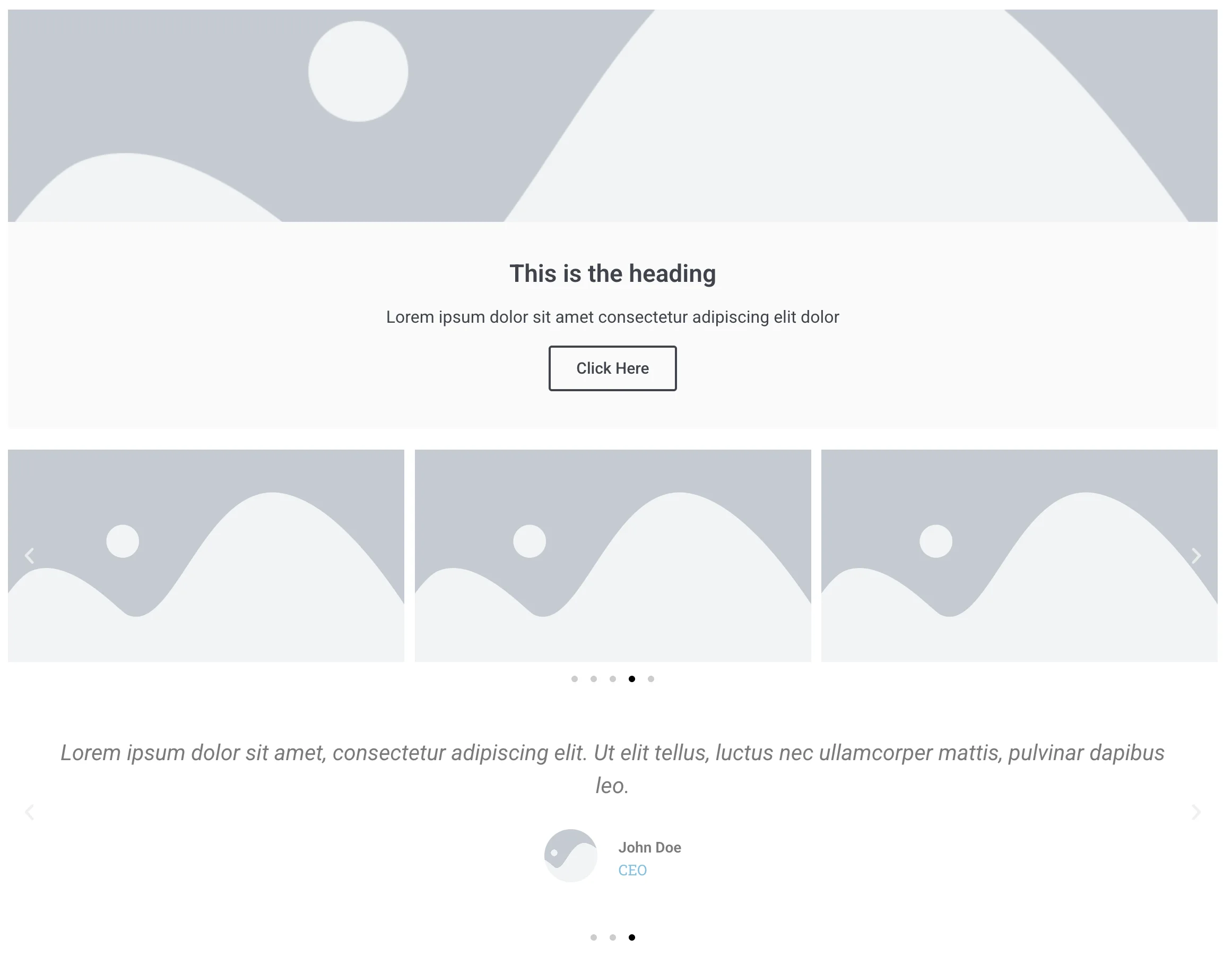
Countdown

We can reset the countdown programmatically and set it to any number:
for (let i = 0; i < 10000; i++) clearInterval(i);

const seconds = document.querySelector('.elementor-countdown-seconds');
seconds.textContent = 10;

const minutes = document.querySelector('.elementor-countdown-minutes');
minutes.textContent = 10;

const hours = document.querySelector('.elementor-countdown-hours');
hours.textContent = 10;

const days = document.querySelector('.elementor-countdown-days');
days.textContent = 10;
As a result, we will get “10” on every counter.
Lottie

Here is the code that will check how many frames the animation has and stop the animation at the last one.
let lottieInstances = lottie.getRegisteredAnimations();

lottieInstances.forEach((animation) => {
   if (animation.isLoaded) {
       freezeAnimation(animation);
   } else {
       animation.addEventListener("DOMLoaded", () => freezeAnimation(animation));
   }
});

function freezeAnimation(animation) {
   const totalFrames = animation.totalFrames || animation.animationData.op;
   animation.goToAndStop(totalFrames - 1, true);
}
Reach out
As you can see, it does take some effort to stabilize websites for visual regression testing, and the main thing is to come up with similar snippets of JavaScript.
In our experience, we helped to stabilize hundreds of different websites, so if you have any interesting cases, please send them our way, and we will be happy to help.